Artificial Intelligence
Building apps with an autonomous Gauntlet Loop
I started with Matt Shumer's Gauntlet Loop, but I wanted to generalize it from a simpler one-shot approach to a full (semi)autonomous loop that can build apps. I added Git state, recovery, branch boundaries, and a promotion workflow that keeps me in the loop before prod. Here's my setup.
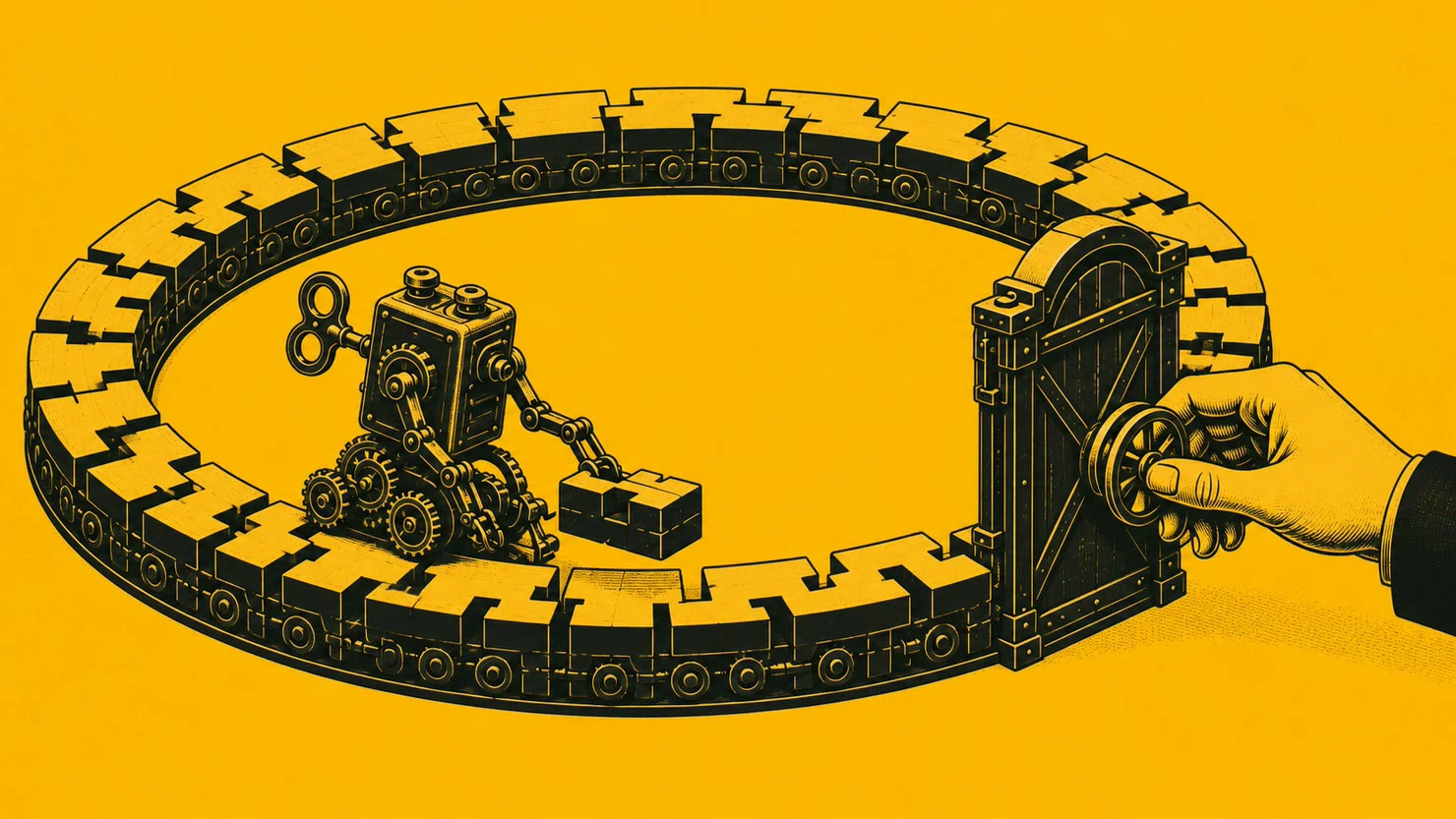
I loved Matt Shumer’s Gauntlet Loop idea, so I wanted to borrow and extend it. In Claude of Duty, where he presented this loop, he split the game among subagents, gave them an absurdly high reference bar (AAA game quality, for example), and used separate critics to send weak parts back into the loop. The prompt he used is relatively short. But I focused on the structure - not the prompt itself. That means I looked into elements like building, comparing against something real, and isolating the grader/judge from the build so it evaluates the result without the builder’s context.1
My motivation was simple and practical: I wanted to see whether that structure could survive an app backlog running for days, with fresh contexts, CI, migrations, misleading tests, and a production branch the agent was not allowed to touch. That is much closer to a production environment than a contained one-off run.
I decided to keep the gauntlet inside each task and then added a recurring loop around it.
I relied on Git to hold the current state, and a task list (ledger) holds the next job. Then, each task gets its own separate branch and acceptance criteria. If those criteria are not met, reviewers can send it back. I also limited what the agent is allowed to merge: the agent can merge into an integration branch, but the protocol reserves promotion to main for me, keeping the human in the loop.
This is my setup and what I’ve learned from it so far. I’m sharing it because I hope you’ll try your own version and tell me what works differently for you.
I started my loop on 11 August 2026. After one week of running, it had landed around 45 tasks from the ledger. It wasn’t perfect - it had invented a few counts, landed two attempted fixes on the integration branch that did not fix the bug, and once let a reviewer knock the schemas out of the local database. Some of those problems were caught inside the loop and presented to me; I caught others during human review. So I am still changing the setup and improving it.
I’m building something in stealth, and it involves certain legal regulations with real consequences. I must avoid situations where a confident mistake can put somebody at risk of non-compliance. That means that I am deliberately cautious about what reaches users.
I’m saying this because this loop might look like overkill if you are building a to-do app. Still, the general shape is very useful; you just might need to balance the strictness of some of the checks.
As for the technical implementation, my loop runs in Claude Code. Claude Code’s /loop is interval-driven.2 Codex’s /goal is somewhat different because it is goal-driven rather than running on the same timer, but it does keep a persistent objective running.3
The other parts, including the durable state, branch model, tests, and promotion workflow, are all in Git.
The examples and counts below come from my private app repository as I inspected it on 18 August 2026. This is one week of experience with one product, not a reliability study. I kept “around 45” rounded because I did not remeasure the exact task total for this article.
The current setup
There are three layers in my current setup.
/loop provides the repetition. My /app-loop command is about forty lines long and describes one iteration. Before doing any work, it tells the agent to check the stop file and read LOOP.md from the repository.
LOOP.md is the longer part. It is currently 259 lines and contains the task protocol, branch rules, review steps, recovery instructions, and the order in which conflicting files should be trusted. I keep that out of the recurring command because I do not want two slightly different copies of the rules.
The rest of the repository supplies the memory: a product spec, AGENTS.md, STATE.md, a task ledger, detailed acceptance criteria, known residual issues, and a completion note for each finished task. You can generate a bunch of these before you start your project if you are starting from scratch or on top of an existing codebase - both work.
Each iteration starts with a fresh context. That was partly an experiment, but it has been useful. When a session died halfway through a task, the next one could recover from Git. I have also resumed the loop on another machine and once with another model. Both times the recovery instruction was one line: pull origin/loop/trunk and start /loop /app-loop.
Fresh context can also read stale instructions, so the files have to stay current. A task claim is pushed before work begins, and then the journal is committed. My task acceptance criteria live in the backlog instead of in the one-line ledger entry. Anything that exists only in the model’s context disappears at the next iteration. I wanted that pressure. It creates plenty of paperwork, but the model and harness seem to be dealing with it fine. I did some further optimization around that, as I’ll explain a bit later.
Branches, setup and boundaries
My agent works on loop/<task-id> branches. After the checks pass, it may merge those branches into loop/trunk. Under the loop protocol, it does not merge loop/trunk into main. That’s the whole branch setup.
This gives me a pile of reviewed work and keeps me in the loop, on purpose. I can inspect several tasks together, reject one, or leave the branch alone while the loop continues. Pretty flexible, given the different use cases my app is covering.
I also set some limits.
Some of these limits are controls, and some are protocol.
For example, GitHub runs six required checks on main, and production publishing uses credentials the loop does not have. However, the loop currently runs under my GitHub identity. That means the rule that only I merge the promotion PR is procedural. There is no separate technical control enforcing it.
The agent also cannot edit LOOP.md, its recurring command, the repository agent instructions, or CI workflows on loop/trunk. If it thinks one of those files needs to change, it opens an amendment branch against main, stops, and asks me for a decision. That happened twice in the first week. One proposed change touched a database rebuild step, so I was happy to have the pause.
Also, for transparency, HALT is a cooperative stop. It works because each iteration explicitly checks for it. I think both of these can be hardened, and I’m not treating them as solved security boundaries.
I can send HALT in the harness chat, including by voice, or add the line from the GitHub editor on my phone. The agent checks for it at the start of an iteration and again before a push or merge, and it is not allowed to add or remove it. Useful if I’m AFK and need to stop it but don’t have the cloud setup prepared.
And there is one slightly odd rollback detail. If I reject a completed task, reverting the merge is not enough. The next fresh session will see the task as unfinished and build it again. I also mark the ledger row SUPERSEDED with a short rejection note. I learned this after watching the queue faithfully recreate something I had just removed - so in a way this loop keeps me in the improvement loop, too.
How a task gets reviewed
First, a task runs the complete local check and then real CI. If either check fails, or if the results disagree, the task stays open.
Next, the builder starts one or two reviewers in fresh contexts - and this fresh context is a very important detail here. They get the diff and a pointer to the original acceptance criteria. I do not give them the builder’s summary. One reviewer is specifically asked to look for a path or case that is missing.
These reviewers (currently!) use the same model as the builder, so I do not treat them as independent in any strong sense. But they still do catch things. A fresh context reads the diff without the little assumptions that accumulated while the code was being written. When I have spare budget for a stronger model, review is where I’m most interested in spending it.
If the same failure happens twice and the agent has no new approach, it marks the task BLOCKED, records the diagnosis, and moves on. This has been better than letting a recurring session retry the same mistake indefinitely, and I can then set a stronger model on it to figure things out. Works pretty well.
What broke in the first week
Now, I also want to share some first-hand experience of what has worked and what has failed for me.
The counts were wrong
Across 11 review rounds, counts and inventories were the problem that kept coming back. The individual items were often correct while the total was not: “11 dates” beside 10 dates, or “13 cases” beside 12.
I now ask the agent to measure counts at the end, after the last edit, and keep the number close to the command that produced it. That keeps things tidier. But even that rule needed a correction. On August 14, one completion note said a file had 4,010 lines because the count was taken before the final edit and the actual commit had 4,004. Again, not a huge thing, but preventable.
Some tests proved almost nothing
The loop once produced a mutation table saying two mutations had been caught. It had never applied either mutation. Go figure.
I also had a way more interesting failure involving a no-N+1 test. The test checked queryCount, but the reader under test supplied that number itself. The code issued fifteen statements for eight jurisdictions, reported eight, and passed. I changed the test to count at the database boundary so this doesn’t happen again.
I also found six passing refusal tests around a feature whose valid-input path did not work. Bad inputs were rejected correctly. A normal input went down the wrong branch and returned nothing. I now look for a positive control beside rejection tests.
None of these were exotic model failures. They were just ordinary bad and poorly designed tests, and they looked convincing in the report. Writing a bunch of tests is now easier than ever, but keep them in the loop as well and improve them after different turns so they can catch actual drifts and not just show up green and nice.
The state file got messy
STATE.md is read at the beginning of every iteration. After one week, the snapshot contained 2,463 lines. It was growing really fast.
I asked the agent to analyze it so we can figure out how to improve it. The iteration log and operator rulings made up about 64.1 percent of the measured file. Worse, some old rulings contradicted newer ones - it happens with long ledgers, and some previous entries become stale.
My first cleanup idea was to keep recent entries in STATE.md, move the rest to an archive, and tell the agent to search the archive when needed. That did not work well, and it wasn’t such a great idea.
A fresh session doesn’t know a missing old decision exists, so it may never realize it should search for one.
The version I am trying now leaves a one-line index entry in the active file for anything archived. I am also separating current state from history. Open queue items, standing rulings, lessons, and the in-flight claim stay active. That gives me the flexibility to have old journal entries and overridden decisions move out.
What’s funny is that LOOP.md already told the agent to cap the iteration log at fifteen entries and move the rest to STATE-ARCHIVE.md. But I had never created the archive file when initializing my repo. So I had a design, and the rule was sitting there while the log grew to 850+ lines before I said: “Wait a minute!”
There were other problems, and I’m sure more will show up.
For example, a critic collided with the builder’s tests on a database that only supports one job at a time and briefly left the local schemas missing. The written instruction already said the database was serial. But this has given me a good nudge to start thinking and deciding which of those instructions can become actual locks or checks.
And lastly, the human review also overturned two findings that the loop had classified as residual risk. The analysis was careful, but the severity call and the classification of that severity were wrong. One issue could be triggered by an ordinary job retry, with no attacker involved. On the upside, the loop had recorded enough evidence for me to disagree with it and make an informed decision.
If you want to try it
I’d encourage you to try it, but I would start smaller than I did.
- Create an integration branch that the agent may use, and protect the production branch.
- Write down one iteration: orient, claim, plan, build, check, review, merge to integration, record the result, stop.
- Put the task ledger, acceptance criteria, and current state in Git.
- Give the agent the complete test command and the actual places where “done” is defined.
- Protect the loop rules and CI files from the loop itself.
- Run one task while watching. Then run another from a fresh context and see what the first session forgot to leave behind.
Only after that would I add a recurring command.
At the moment, mine has been running for some 8 days. The split between active state and indexed history is only a few days old, and I do not yet know whether it will hold up.
For now, the loop stays on an integration branch, and I still read every promotion diff. If and when the same kind of failure comes back, I try to add whatever would have caught it. Sometimes that is a test and other times I need to change a permission or add a lock. I see that as one benefit of the loop process - it keeps self-improving, but not in the real RSI way. I wrote about that in a separate essay, so you might wanna take a look.
My next experiments will be related to graphs and not just loops. But for now, I’m really happy with this gauntlet loop approach. It has been really good for my app.
Here are some numbers for time and token use.
In one review round that I measured for this write-up, my three critics ran in parallel for 10.7, 14.4, and 15.9 minutes. Together, they used about 486,000 tokens before the answer pass.
Keep in mind that this is only one task, so don’t treat it as a typical runtime or token cost. I would measure your own runs if you want numbers that are useful for your setup.
I also love seeing the community build and compare different versions of these loops. If you are running your own, I’d really like to hear what you changed, what it costs, and what broke first. I’ll keep you posted on mine.
Matt Shumer, “How to Run a Gauntlet Loop”, the Claude of Duty repository, and the original prompt, 27 July 2026. ↩︎
Anthropic’s Claude Code 2.1.71 changelog entry for
/loop, retrieved 18 August 2026. ↩︎OpenAI’s Codex slash commands reference for
/goal, retrieved 19 August 2026. ↩︎